Start with a usable evidence pack
AI can create movement and scenes, but it cannot know product details that are absent or inconsistent in the source material.
Multiple clear angles
Front, back, side, top, packaging and close details with the same product version.
Specifications and claims
Dimensions, materials, colors, components and selling points that can be verified.
Audience and placement
Amazon listing, Shopify page, paid social or brand presentation each needs a different cut.
References and boundaries
Examples of desired tone plus details that must never be altered or invented.
The five-stage workflow
1. Define the buying question
Choose the one product decision the video should make easier: fit, material, use, mechanism, differentiation or trust.
2. Turn facts into a short script
Arrange verified selling points into a sequence. The script should not add unsupported performance, medical, safety or sustainability claims.
3. Approve keyframes
Check product shape, branding, material, scene and key actions in still frames. Corrections are cheaper and more controlled before motion generation.
4. Generate, edit and add sound
Produce the agreed scenes, then edit pacing, captions, voice and music for the destination platform.
5. Review a watermarked cut
Compare the cut against the confirmed product evidence and submit one consolidated correction list before final export.
When images are enough, and when they are not
| Product situation | Image-only fit | What may be needed |
|---|---|---|
| Simple packaged goods or static home products | Usually suitable | Clean angles, packaging, dimensions and accurate claims |
| Reflective, transparent or translucent products | Needs assessment | More lighting references, detail photos or controlled source footage |
| Moving mechanisms or installation sequences | Higher risk | Step-by-step video evidence, diagrams or a physical sample |
| Precise hand interaction, fit or assembly | Higher risk | Action reference footage and additional review stages |
| Regulated performance or safety claims | Evidence required | Approved claim language and supporting documentation |
No-sample production is a workflow option, not a promise for every product.
Quality controls that matter
- Use the same product version in every source image.
- Lock colors, logos, proportions and important components before generation.
- Separate creative scene choices from factual product claims.
- Review still frames before spending on complete motion sequences.
- Reject visually impressive scenes that misrepresent product use.
- Keep a confirmed source-of-truth list for revisions.
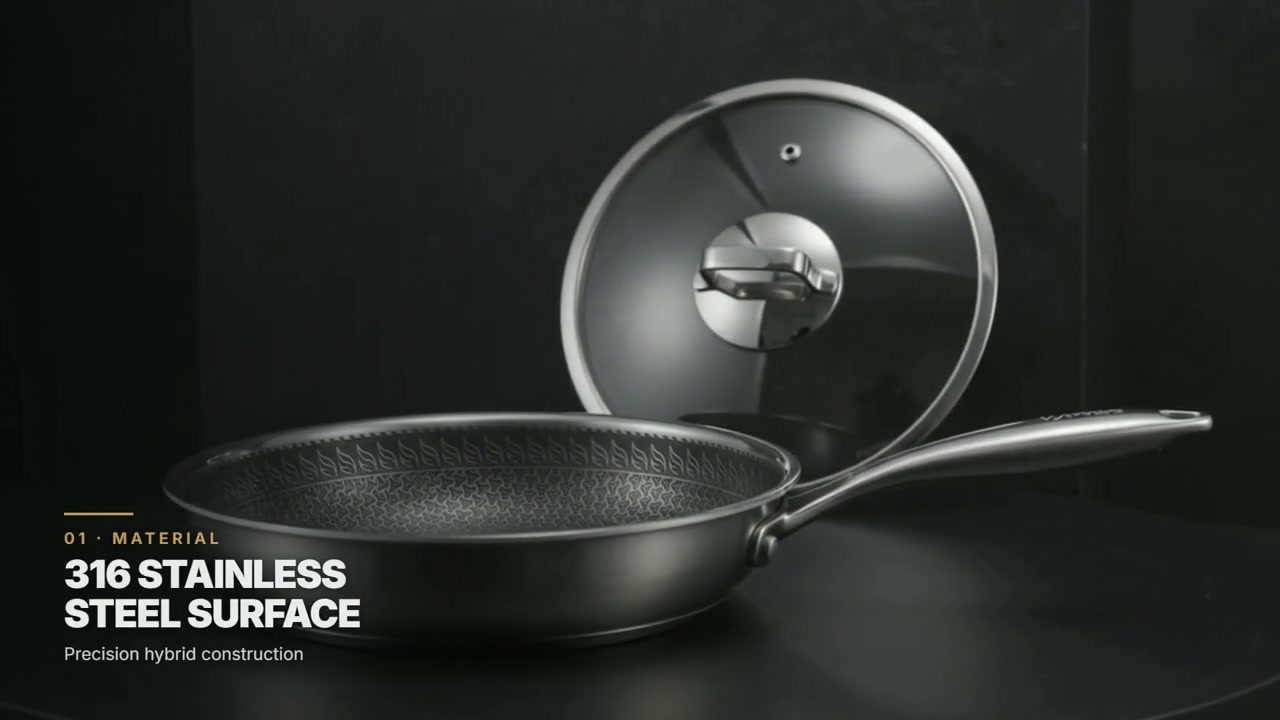
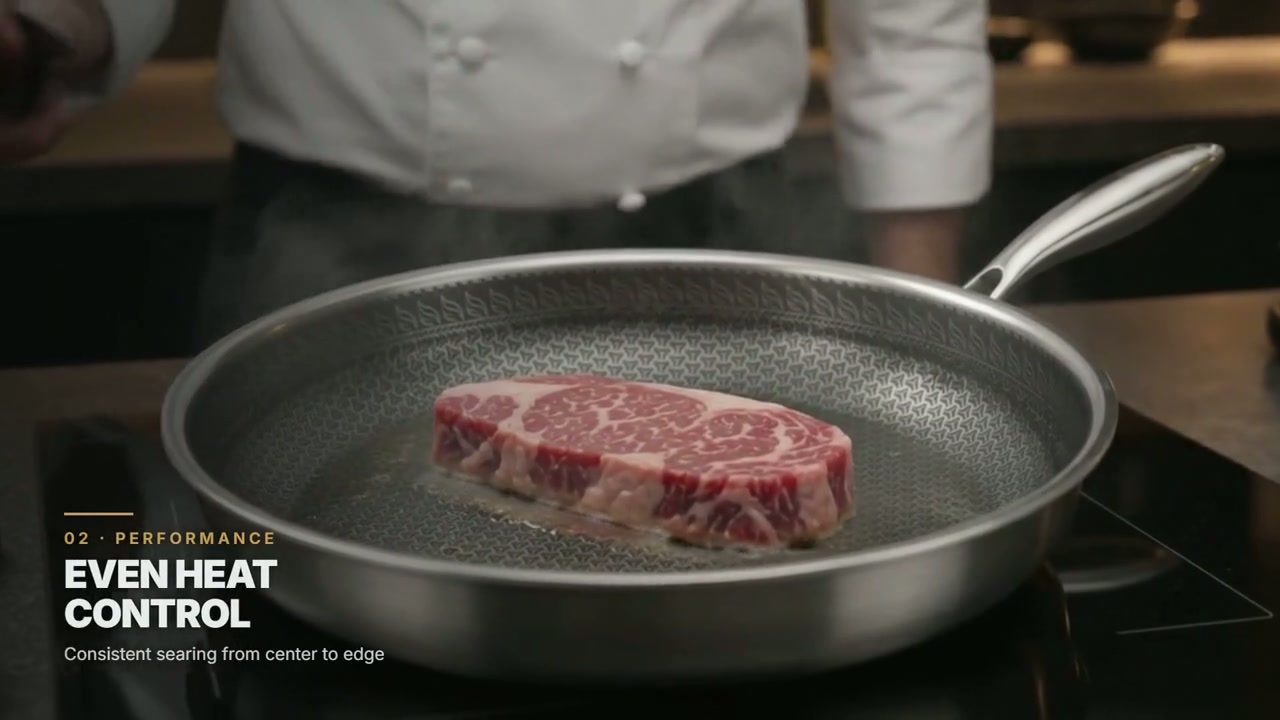
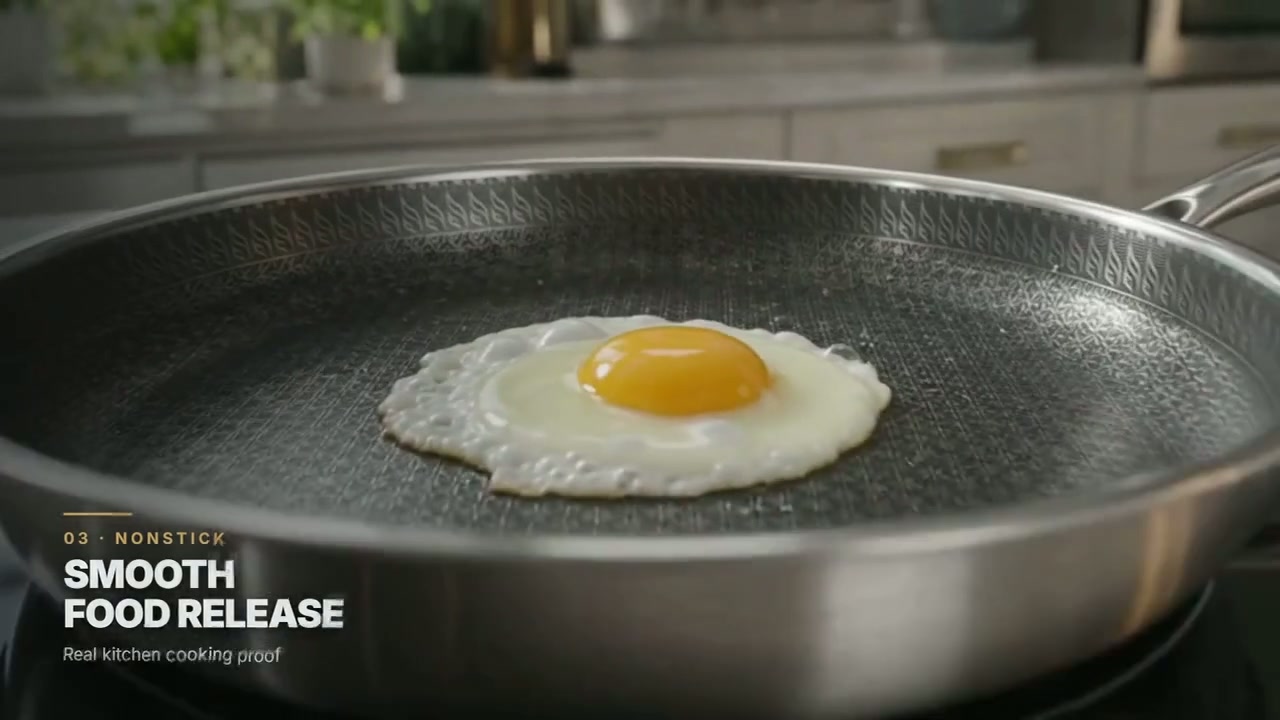
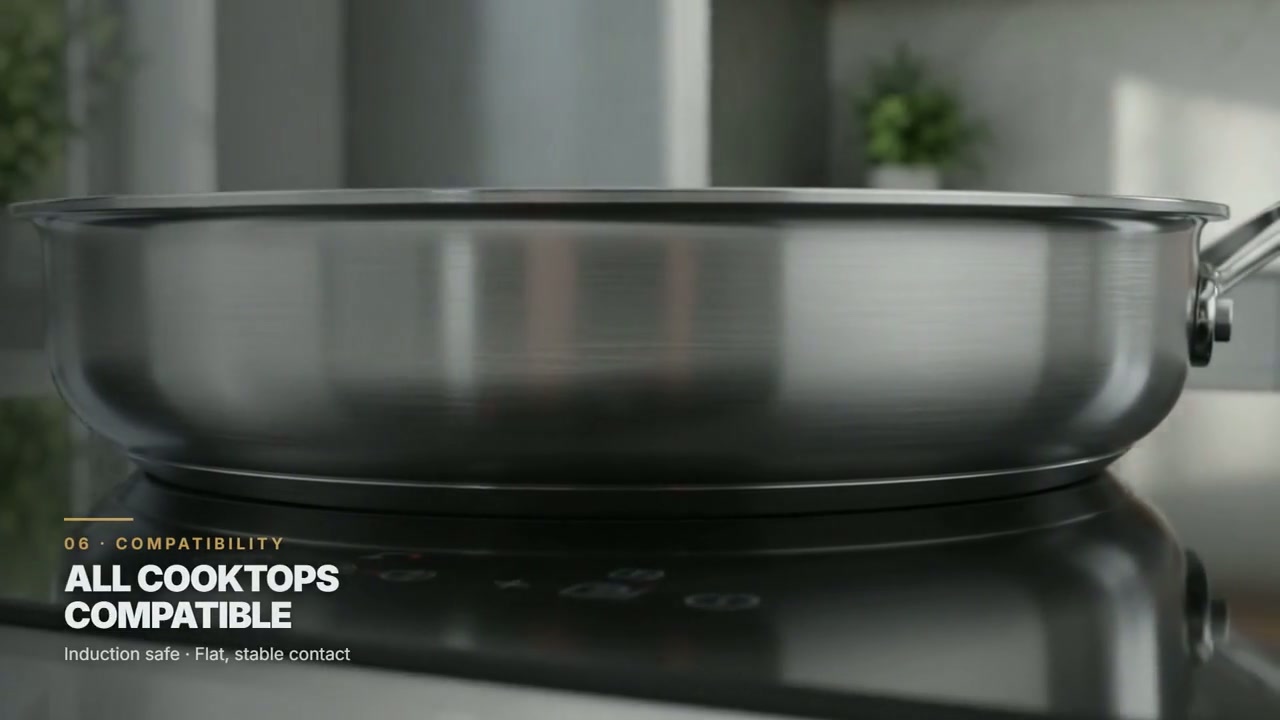
Image-to-video questions
Do I need professional product photography?
Not always, but images must be sharp, consistent and complete enough to establish product truth. Weak source material increases identity errors.
Can AI show the product being used?
Yes for many straightforward actions. Complex mechanics, hands, installation and safety-sensitive use need stronger reference evidence and more review.
What is the smallest useful first step?
Send one product URL, five to ten clear images and three verified selling points for a fit assessment.